
Free Online Tool to Count Words and Characters
0 words 0 characters
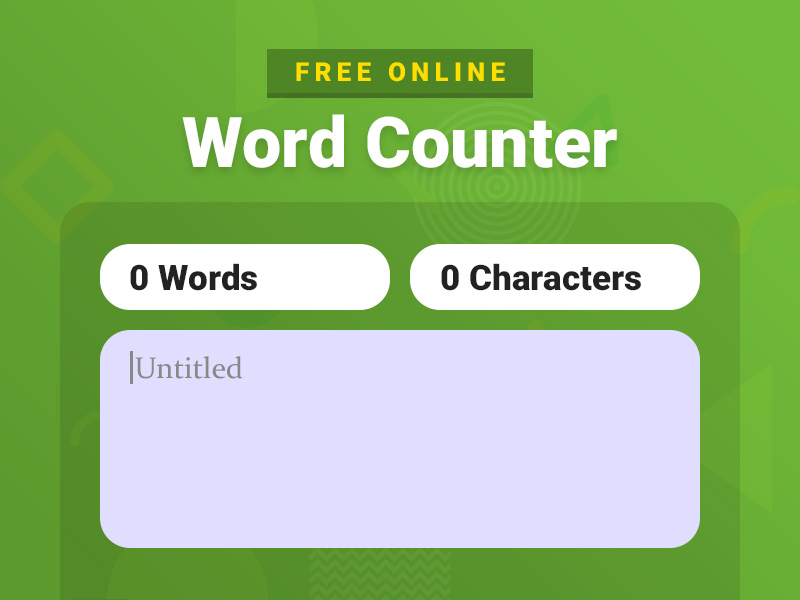
Get started with typing directly into the word counter text area above to know the total number of words and characters. You can also paste your content from elsewhere to count words and characters.
What is Word Counter?
A simple free online tool helps you count words or characters and calculate the number of words in your text. The total number of words and character counts will be displayed automatically at the top of the text area when you write or paste the content in the input box.
Using a word counter, you can easily determine how many words there are in your content. Moreover, a character counter can help you check how many characters are in your text, especially if the text is meant for use on meta tags (title and description), social media, Google ads, and so on.
The best part of this online tool, there is no limit! The number of words and characters you can count with this tool is unlimited.
How to Use Word / Character Counter Tool?
Whether you’re a professional or a student, using the word and character counter tool is as easy as a breeze. Plus, it is highly beneficial as it saves you from strenuous manual counting.
- Method 1: Copy the content you’ve already written and paste it into the white box. You will instantly get the exact number of words and characters in the text.
- Method 2: Write the content directly in the white box. The word and character count will keep increasing as and when you type into the box.
- Method 3: To count the words and characters for a part of the content, select the text you wish to count. The tool will display the exact words and characters selected.
Note: With this character counter, you will be able to see the number of characters with spaces and without spaces.
The ultimate counter caters to all your needs!
Why is Word Count Important?
Different types of writing require a different amount of word count length, whether you’re creating content for a website, blog post, articles, or legal documents.
Without a word counter by your side, you will be left with counting each word to track the length of your writing piece. Worse, you will have to rely on guessing the number of words in each line.
A words counter gives you the exact metrics as and while you’re writing. These include the number of words, characters, paragraphs, and lines.
Irrespective of your purpose of content creation, word count can make writing substantially easy for you.
SEO
If you want your blog or webpage to rank well on search engines, keeping the word count in mind is highly important. Search engines like Google rank long-form pages higher than short-form ones.
Longer texts let search engine bots determine whether your text is relevant enough. It measures the pages on metrics like keyword density, originality, authenticity, links, and images.
Another essential role of the words and characters counter tool is to help you write the meta details. Adding a meta title of 50 to 70 characters helps you optimize your page for the search engine. The same implies for writing a meta description of 140 to 160 characters. The character counter automatically gives you the actual count so that you frame the meta details accordingly.
With the character counter tool, you can say goodbye to discrepancies and multiple corrections once and forever.
Blogging
As per the search engine algorithms, the ideal page length is anywhere between 300 to 1500 words.
If you write a very short blog, it may not provide enough information to the readers. On the other hand, extra-long blogs might bore your readers or have a lot of irrelevant content.
The word counter lets you track the length in real-time, saving you from cutting down or extending your blogs. It also gives you an idea about the word count left to cover up. This way, you get a heads up for transitioning to the next header and wrapping up your writing piece.
The same goes for sentence length. Any sentence longer than 20 words is relatively difficult to read, confusing the reader. With the word count tool, you can keep all your sentences within this range.
All in all, a words counter tool lets you write a well-structured text with ease.
Social Media
You need to write short, crisp, and catchy social media posts to gain traction. But each social media platform has a different “ideal text length” for different kinds of posts.
The character counter lets you track the characters written for the video, status, and standard posts for Instagram, Facebook, and Twitter.
The character counter tool got your social media posts covered. Keep your Facebook posts lower than 80 characters and the Twitter posts within the 70-100 character limit.
Use the tool and watch your social media engagement boost organically.
User Privacy
We do NOT track, view, or keep our user’s content or data when using our tools. We ensure that your content is 100% safe. Please email us for any query, complaint, or bug for this page.
FAQs
Do I use word counter for free?
Yes, the word and character counter tool is absolutely free for everyone to use. All you need to do is copy and paste your content in the box or type directly in the box. We do not charge our users, irrespective of the text length or the number of files for which you check the word count.
Is there any word count limit?
No, there is no word count limit for this tool, and that’s what makes it stand out. You can track the number of words and characters countless times without any restriction. Consider it your go-to, hassle-free tool for everyday tasks.
Is words counter safe?
Yes, the word and character counter tool is absolutely safe. Rest assured, we never store the content you check on the tool on our database. Moreover, we do not share any part of your content with a third-party website.